← Software·Case study
tvcast.
Mirror your Mac screen, with sound, to the old smart TV in your rental. One command finds what the TV speaks on the Wi-Fi and streams to it. No Miracast, no AirPlay, no dongle.
- Year
- 2026
- Role
- Open source, solo build
- Stack
- Python · ScreenCaptureKit · ffmpeg · DLNA / UPnP · Swift
- Links
- GitHub ↗
Watch
Saving my Airbnb TV by hacking it
The brief. You arrive at a rental. The TV says "screen mirroring" but it means Miracast, which a Mac cannot speak. AirPlay is nowhere. Make the TV play the laptop anyway, in one command, with sound.
What it is
tvcast is a small open-source tool for macOS. Two commands ship in the package: tvprobe scans the Wi-Fi and reports what each TV-looking device actually speaks (DLNA, Google Cast, AirPlay, Roku, Samsung, ADB, DIAL, plus any Wi-Fi Direct groups), and tvcast captures the screen and system audio, serves it as a live stream, and tells the TV to play it.
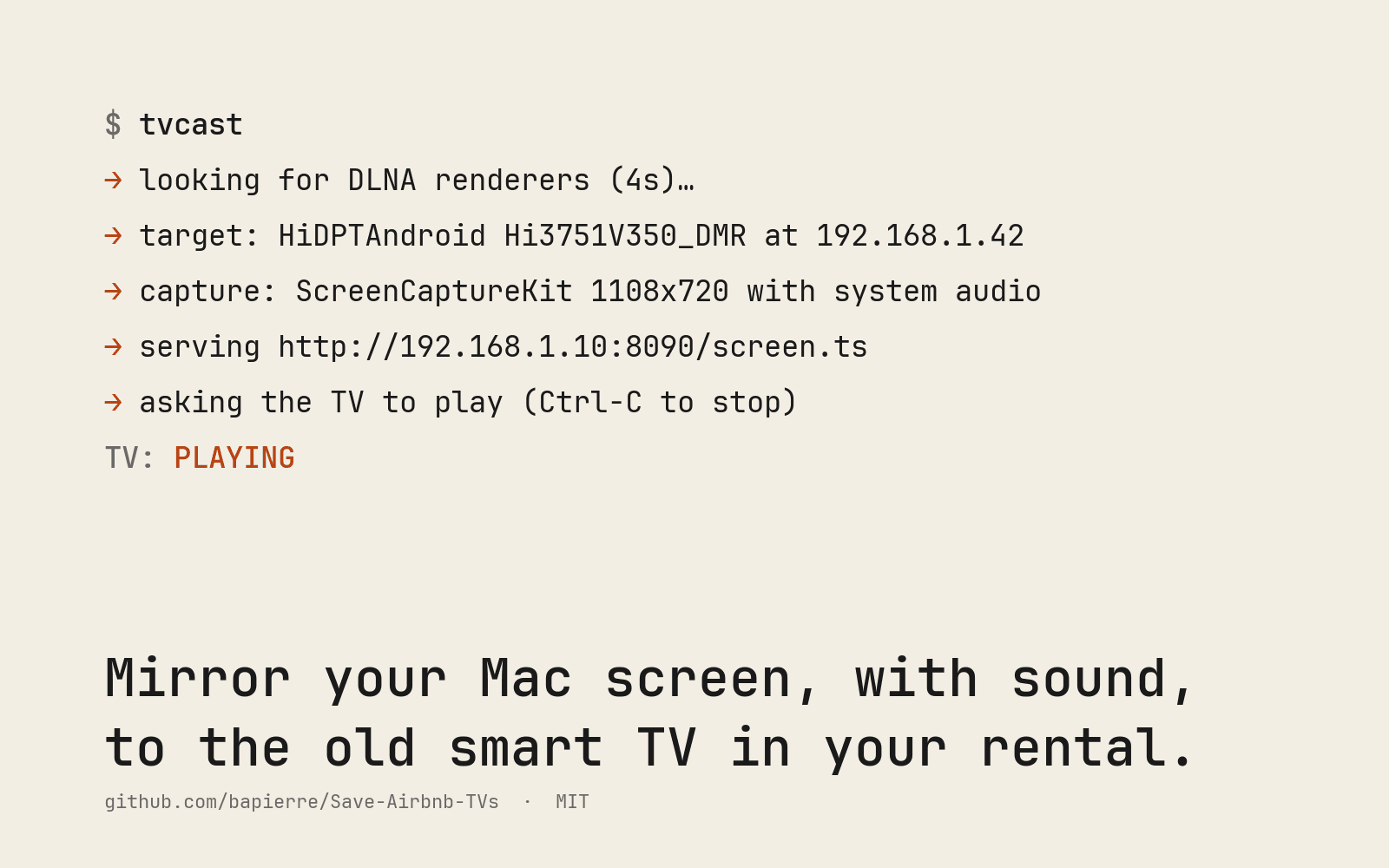
$ tvcast
→ looking for DLNA renderers (4s)…
→ target: HiDPTAndroid Hi3751V350_DMR at 192.168.1.42
→ capture: ScreenCaptureKit 1108x720 with system audio
→ serving http://192.168.1.10:8090/screen.ts
→ asking the TV to play (Ctrl-C to stop)
TV: PLAYING
It is MIT-licensed, built in a rental, and published the moment it worked on the TV in the room.
The trick
Old smart TVs cannot accept a screen stream pushed at them. Almost all of them, though, can fetch and play a video from a URL. tvcast exploits exactly that, in five steps.
- Probe. SSDP finds UPnP media renderers on the network and reads their description XML. A device only counts if it exposes an AVTransport service, the one that lets you hand it a URL. Routers answer SSDP too; they do not play video.
- Capture. A small ScreenCaptureKit helper grabs the display and the system audio mix with no virtual audio driver, and feeds ffmpeg, which encodes with the hardware VideoToolbox H.264 encoder and AAC into MPEG-TS.
- Serve. A tiny HTTP server on the Mac streams the MPEG-TS. It answers the TV's
HEADrequest and sends the DLNA transfer headers real TVs insist on. - Launch. A DLNA
SetAVTransportURIplusPlaytells the TV to fetch the stream. - Watch. tvcast polls the TV and relaunches if playback drops. Ctrl-C stops the TV, the server, and the capture, and unmutes the Mac.
While sound streams to the TV, the Mac's own speakers are muted so the show does not play twice a few seconds apart. Pressing Enter resyncs: the stream is re-established, the TV drops its buffer, and the picture jumps back to the live edge.
Three things most people get wrong
macOS cannot send Miracast. Not with any library, not ever: Miracast rides on Wi-Fi Direct, and macOS exposes no Wi-Fi Direct client mode to user space. Every app that advertises "Miracast for Mac" is using DLNA, AirPlay, or Cast underneath. The useful corollary: nearly every Miracast TV also speaks DLNA once it is on normal Wi-Fi.
The delay is the TV's, not the Mac's. Measured on the pipeline, the first byte leaves the Mac about 0.3 seconds after capture. A cheap TV then prebuffers several seconds before showing the first frame and holds that offset all session. Lowering the bitrate changes nothing, because the buffer is a number of seconds, not of bytes.
DRM captures black. Netflix and friends in Safari use FairPlay, which blanks screen capture. In Chrome most services capture fine at 720p; YouTube, Plex, Jellyfin, browsers, and local players all work.
How it's built
- Language. Python 3.9+, no framework, standard library for SSDP, HTTP, and the UPnP SOAP calls.
- Capture. a Swift helper on ScreenCaptureKit, compiled on first run; falls back to video-only or a BlackHole loopback device when the Xcode tools are missing.
- Encoding. ffmpeg with VideoToolbox, tuned so the TV's player sees its first byte within a second, which cheap Android sets require before they give up.
- Discovery.
tvprobecombines mDNS, SSDP with description parsing, TCP port checks, HTTP fingerprints, and ARP to name the device and say which transport will actually work. - macOS app. a SwiftUI menu-bar app wrapping the same core, with a TV picker and a one-click Resync, is in the repository and on the roadmap.
Why it's open source
Every rental has a different TV, and the only way to learn what works is for people to hack theirs and report back. The repository is set up for that: a TV-report issue template, tvprobe --report to produce a sanitised fingerprint to paste, and a hacks/ folder where rough code is welcome as long as the report is complete. Reproduced reports get a row in the tested-TVs table; good techniques get promoted into tvcast with tests.
The roadmap is transports: a Google Cast launcher, Roku, ADB for Android TVs with debugging on, a browser fallback with an HLS page you type into the TV, and Linux capture so the probe and cast both run there too.
Want something like this built for you?